Wave Ring
Multi-layer bass or wide waves with delay, glow, particles and 19 presets
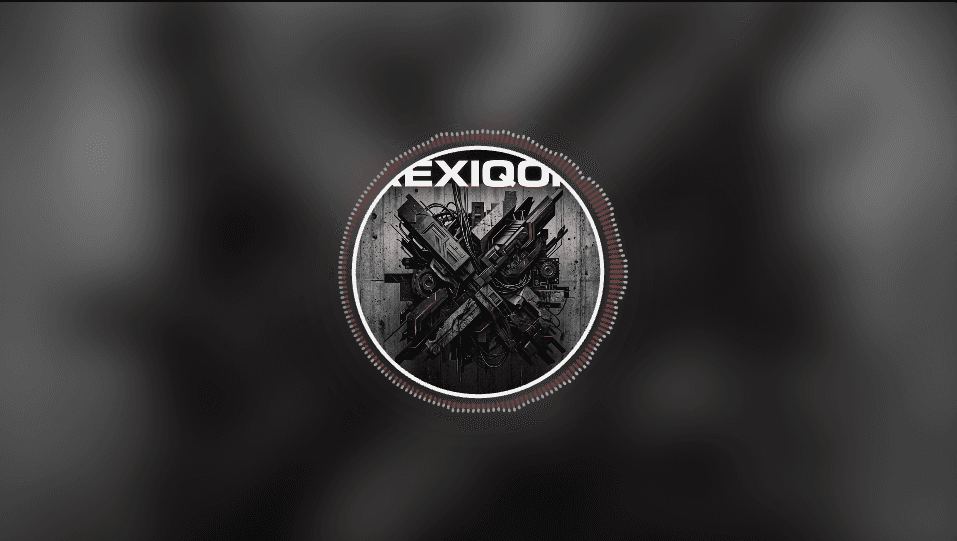
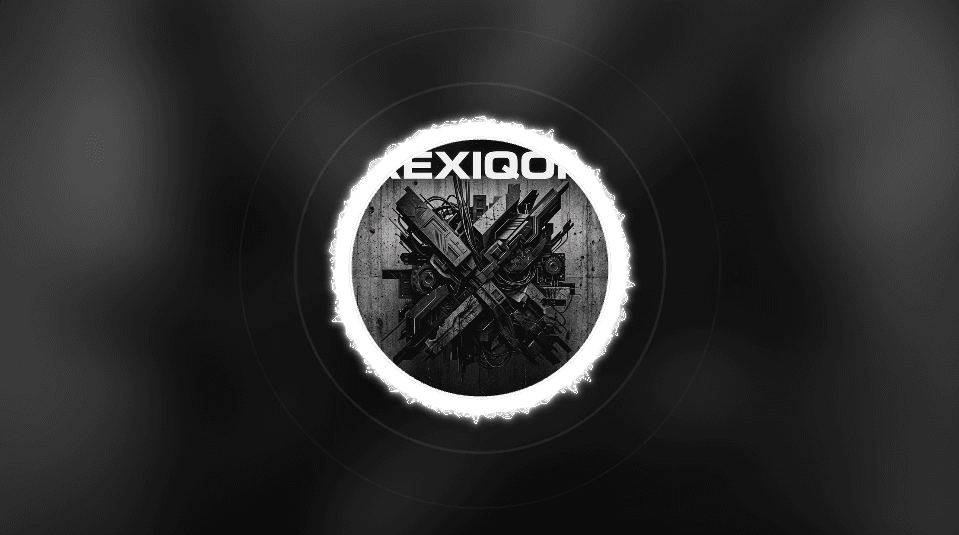
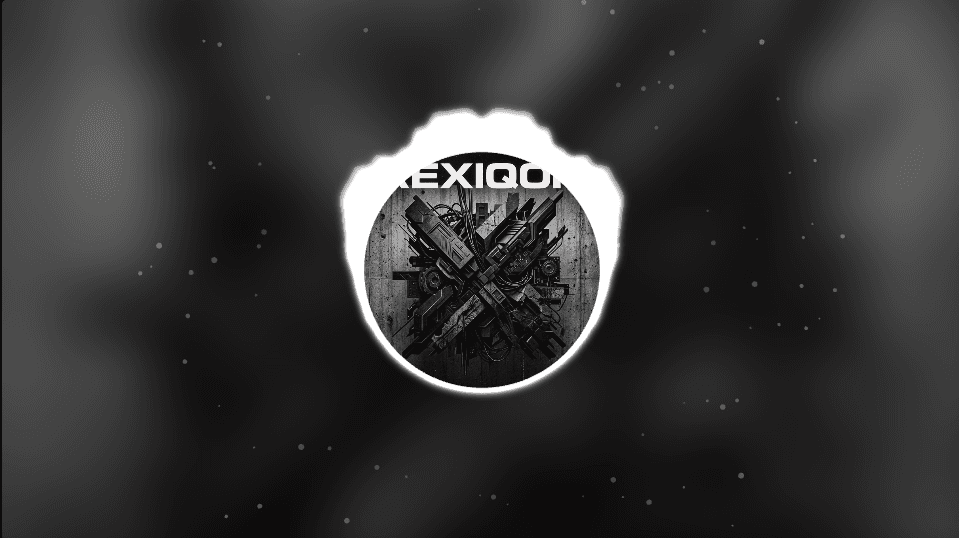
Your cover sits in the centre while rings of filled, outline, bar or dot waves react around it. Bass or Wide spectrum, one to seven colour layers, wave delay so the outer rings trail the front, bounce and shake on the kick, optional particles, and a full backdrop with blur, drift and grade. Nineteen authored presets — Ember Ring, Halo, Starfall, Filament and more — or start from Default and build your own.
- Bass
- Wide
- Layers
- Presets
- Particles
- Cover art
Watch a real export
Suleymer — Hipnotique · Wave Ring — rendered in Vizqon, no watermark.
How Wave Ring reacts
The engine draws one to seven wave layers around a circular logo slot. Layer 1 is the outer ring; when Wave delay is on it trails a fraction of a second behind the front ring, so kicks leave a coloured echo instead of a flat outline. Layouts Spread, Depth, Cascade and Expand change how those layers are spaced and softened — Spread fans them out, Depth stacks smoothing and amplitude, Cascade steps the height, Expand scales the rings outward.
Spectrum is Bass or Wide. Bass locks the motion to the low end so trap and EDM kicks punch the ring; Wide opens more of the mix so vocals and hats also shape the silhouette. Soft-knee expanders on each band keep quiet passages calm and hits gated and sharp. Bounce, shake, spin and drift move the whole ring with the kick; glow and drop shadow sit on every layer.
Particles are optional and sit between the backdrop and the waves, so a centre-out field looks like it streams from behind the ring. Up to two particle types share direction, speed and a kick boost, each with its own shape, size, opacity and reactive colour. The backdrop can use your studio background image with soft blur, shake, motion blur, drift, slow zoom and a colour grade — or a flat colour if you turn the image off.
Analysis runs once per track at full quality. Preview and export read the same precomputed frames, so what you see is what you ship. Studio title and artist text still sit on top; Wave Ring owns the cover disc so the shared cover foreground stays hidden.
What it suits
- EDM, trap, hip-hop and anything kick-led where the ring should slam with the bass
- Logo and cover-forward clips — the artwork stays sharp in the centre while the waves do the motion
- YouTube 16:9 uploads and vertical Shorts or Reels — the composition stays centred in every aspect
- Anyone who wants a deep multi-layer ring look with presets they can save and reload as JSON
Controls
Everything you can change on Wave Ring, in the order it appears in the panel.
- Preset look
- Default is the engine baseline. Nineteen authored looks (Ember Ring, Halo, Starfall, Filament, Pollen and more) load colours, layer count and motion in one step. Changing a preset reseeds the panel so what you see matches what you edit.
- Spectrum
- Bass for low-end punch, or Wide for a fuller mix. Soft-knee threshold, ratio and knee under Dynamics fine-tune how hard each band gates.
- Layout
- Spread, Depth, Cascade or Expand — how the layers are picked from the seven-slot layout engine and how strongly they soften outward.
- Shape / Wave style / Mirror / Growth
- Ring or Strip. Filled, Outline, Bars or Dots. Mirror modes from Off and Fold through Dual bank, Diagonal, Triple, Quad and Mixed. Grow out or Grow in.
- Size & positionradius 20–250, scale 0.1–4, position ±0.45
- Ring radius, base height, wave scale, layer separation, bar count, bar width, plus Position X / Y to nudge the ring anywhere in the frame. The ring stays centred by default in every aspect ratio (16:9, 9:16, 1:1).
- Bounce, shake, spin, drift
- How hard the ring hits with the kick. Shake Soft or Hard, optional spin (rpm and kick accel), and ring drift intensity.
- Wave delay0–0.5 s
- When on, outer layers trail the front ring by up to half a second. Off or zero delay lines every layer up.
- Wave layers1–7
- How many layers, then per layer: visible, fill, line, secondary fill, fill opacity, line width and line opacity. Layer 1 is outer / delayed; the last layer is the front ring.
- Glow & shadow
- Outer glow blur and scale, plus optional drop shadow with blur, opacity and colour.
- Logo
- Show or hide the centre cover, size, clip to circle, and optional logo glow. Upload artwork in the studio cover slot.
- Particles
- Enable the field, direction (away from centre, into centre, cardinal, or Swarm), speed, kick boost, origin radius and turbulence. Up to two types with shape, colour, count, size, opacity, flicker and reactive colour.
- Background
- Flat colour, or your studio background image with soft blur, rotation, shake, motion blur, drift, slow zoom, hit contrast/vignette, and colour grade (hue, saturation, brightness).
- Save this look
- In the studio panel: name and Save stores the look in this browser and downloads a JSON backup. Download JSON / Upload JSON work without the preset menu. Header Save / Load look does the same.
Questions
Where does my cover art go?
In the centre as the logo. Upload it in the studio cover slot. Wave Ring draws it itself, so the shared cover disc is hidden. Title and artist text still work on top.
Does the ring stay centred when I switch to Shorts (9:16)?
Yes. The composition is centred in every aspect ratio. Under Size & position, use Position X and Position Y if you want to place it higher, lower, or off to one side for a Shorts layout.
Why does the preview sit still for a moment after I load a track?
Wave Ring runs a one-time high-quality analysis of the whole file. After that, playback and export stay locked to the same motion — preview matches the MP4.
How do I remove the coloured trail behind the front ring?
Turn Wave delay off, or set Delay to 0. You can also hide or recolour Layer 1 (the outer layer) under Wave layers.
How do I keep a look I dialled in?
Use Save this look in the Wave Ring panel, or Save / Load look in the header. Save stores it in the browser and downloads a JSON file. Upload that JSON later to restore the same settings.
Can I use my own background image with blur and drift?
Yes. Turn on Use studio background image, drop a picture or video in the studio background/cover flow, then open Background and Background motion for blur, shake, drift, slow zoom and grade.
Is this the same as Logo Wave Ring?
No. Logo Wave Ring is a lighter continuous waveform line around the cover. Wave Ring is the full multi-layer engine with presets, delay, particles and its own backdrop controls.
Guides for this style
How-tos that fit how people usually use this look — not a generic list.
- Cover art, layers, titles and the progress bar~7 min
Everything that sits on top of the visualizer, and how it follows the music.
- How to make a Spotify Canvas~5 min
Short vertical loops that sit behind a song in Spotify.
- Music visualizers for Shorts, Reels and TikTok~5 min
Vertical 9:16 from the start, safe areas, trim to the hook, export once.
Similar styles
Render Wave Ring with your own track
Load a song, adjust the parameters live, and export up to 4K with no watermark.