Audio visualizer
Any audio in, a finished reactive video out.
Not only for music. Podcast episodes, voice notes, DJ mixes, ambient beds and sound design all work the same way: the audio is analysed into frequency bands and a waveform, and those values drive whatever style you pick. Simple bars and oscilloscope traces are here for spoken word, alongside the heavier music styles.
Spectrum and waveform
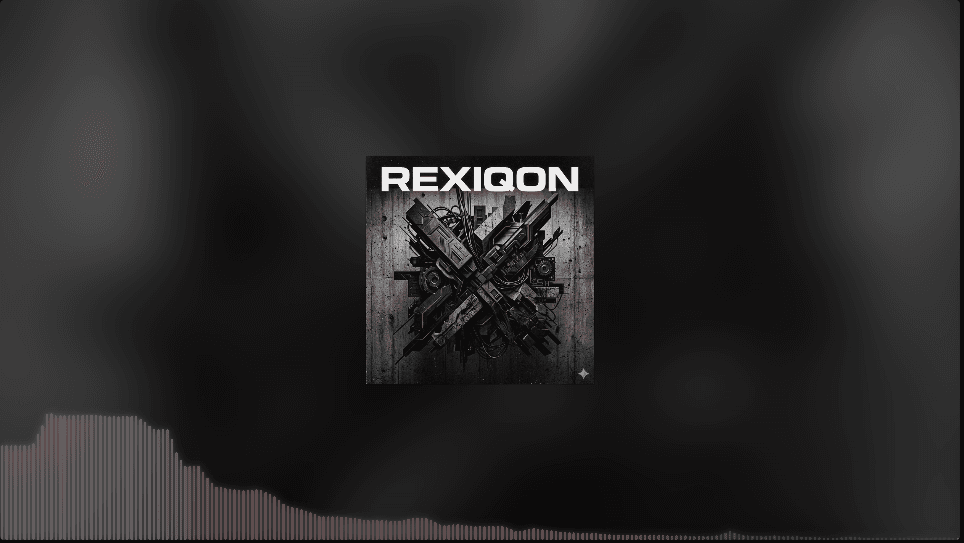
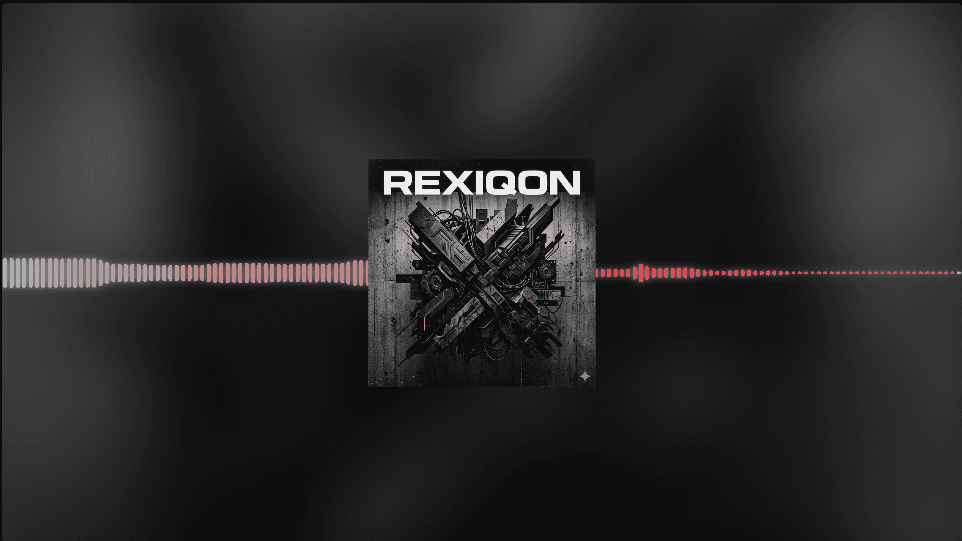
Choose between frequency-band styles and true waveform traces, depending on whether you want energy or shape.
Good for speech
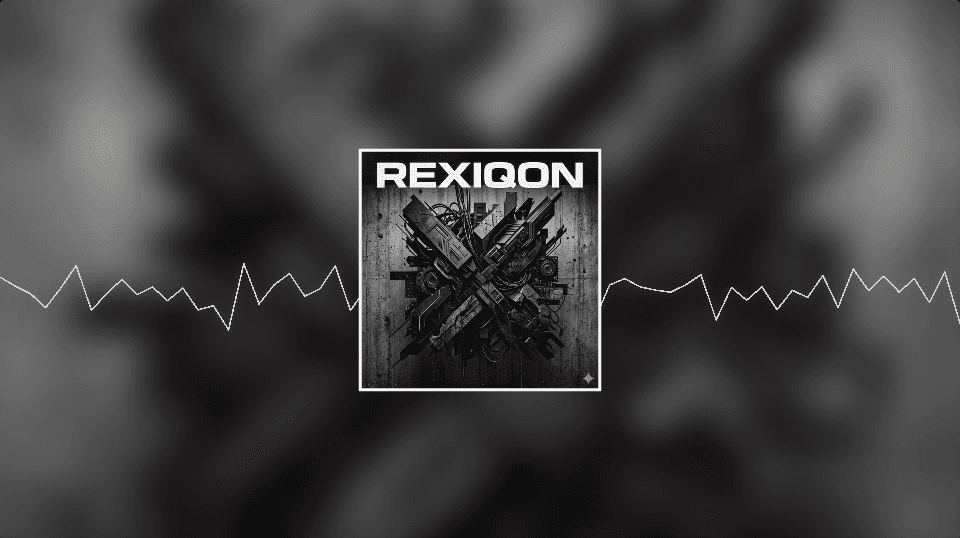
Waveform Line and Linear Bars stay readable with voice, where music-oriented styles can look flat.
Frame-accurate export
The exported file is rendered frame by frame from the analysis, not screen-recorded, so it never drops or stutters.
Looks that suit this format
Every style works everywhere, but these are the ones that hold up best here.
Frequently asked questions
What is the difference between an audio visualizer and a music visualizer?
In practice they overlap. People searching for an audio visualizer usually want a live reactive display for any sound, while a music visualizer is aimed at exporting a finished video for a song. This tool does both: it previews live and exports a file.
Which audio formats are supported?
MP3, WAV, M4A, AAC, OGG and FLAC — anything your browser can decode.
Can I visualise a podcast?
Yes. Use Waveform Line or Linear Bars, add the episode artwork and title, and export in 16:9 for YouTube or 1:1 for social.
Ready to see your track?
Drop in an audio file and the preview starts moving immediately. No account, no upload, no watermark.